Setting up communication
- Switch on PC/mobile device and start the Best software.
- Click on the
New button in menu bar. - Select IQ MODULE CM-RC-01.
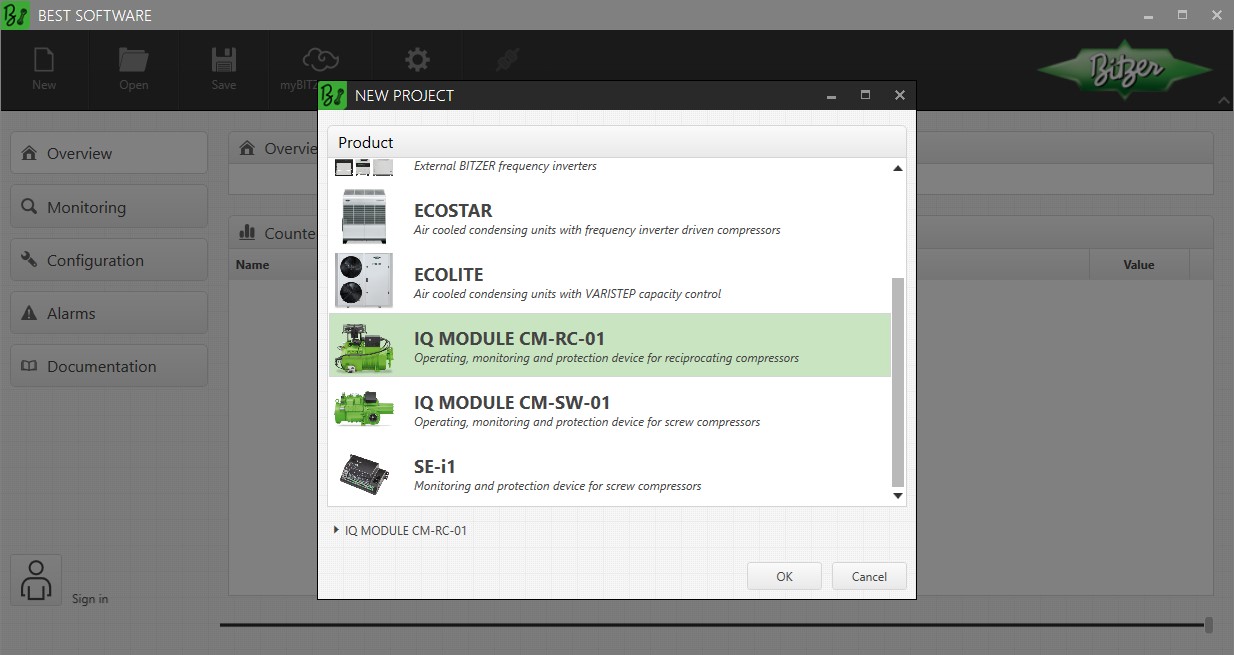 Connecting CM-RC-01 to best software
- Click on the
Connect button. - The following appears for selection:
BEST converter or Bluetooth. A firmware update is only possible via the best interface converter. - If
Bluetooth has been selected, all available devices are listed. Select the desired compressor. - Click on the
Connect button. - Enter the Bluetooth password. Factory setting from firmware version 2.6.58.00:"8670", previous versions:"2".
- Enter a new own password!
- The compressor module is now connected to the PC or mobile device.