Module housing is mounted directly onto terminal box
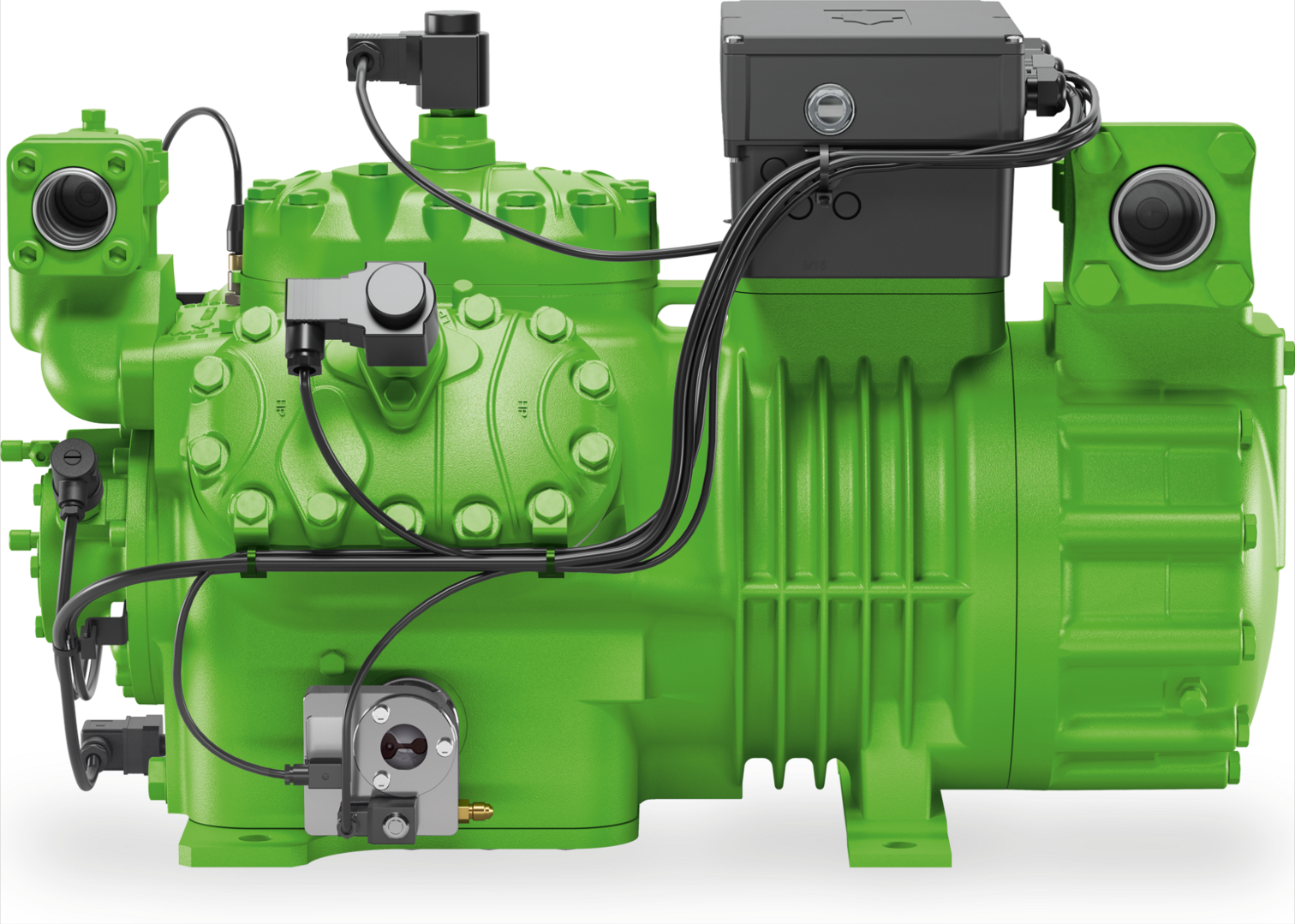
Installation situation: The module housing is screwed directly onto the terminal box. It covers the terminal box exactly and serves as its cover. The protective conductor cable and the two cables for motor temperature monitoring run directly through an opening in the bottom of the module housing into the terminal box.
- Remove the cover of the module housing.
- Remove the module housing. Make sure that the two orange cables and the protective conductor are not damaged and that the connections do not come loose. The orange cables are the motor temperature sensor cables.
- Lead the power cables for the compressor motor through suitable cable bushings into the terminal box.
- Connect the power cables according to the label at the bottom of the module housing. Observe the operating instructions of the compressor.
- Seal the cable bushings well.
- Check the protective conductor cable and the two cables for the motor temperature monitoring.
- Check all cable connections on the terminal plate for a tight fit.
- Replace the module housing.
- Check the protective conductor screw connection on the earthing terminal strip for a tight fit in the module housing.
- Check the connections of the two cables for motor temperature monitoring on terminal strip CN10 of module for a tight fit.
- Put on the cover of the module housing. Tighten the cover and module housing.