Documentation
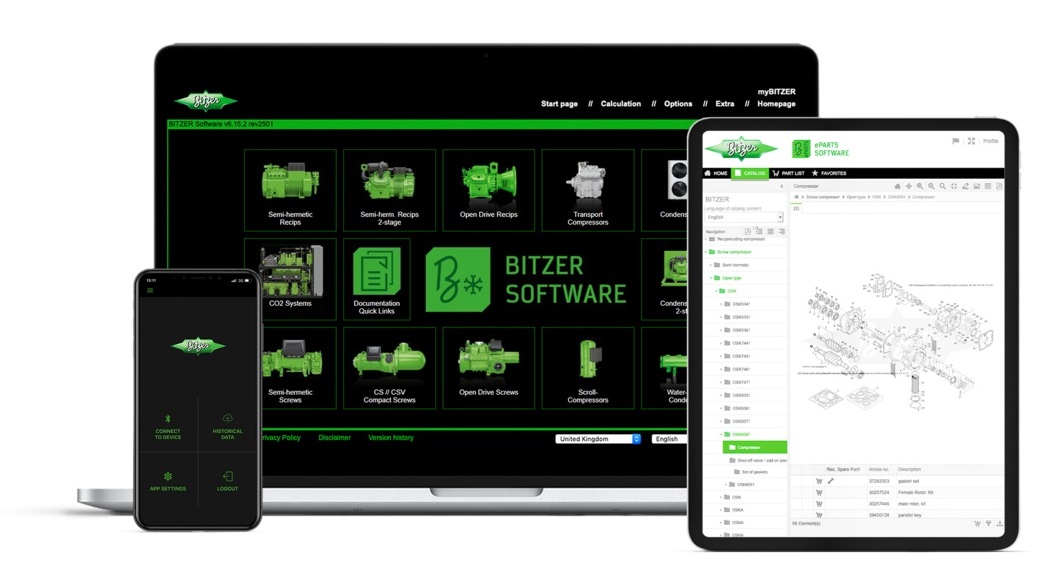
Select the product in the BITZER SOFTWARE and open the tab "Documentation".
Or visit the BITZER website, go to "Products" and select first the product group and then the actual product.
Or visit the BITZER website, go to "Documentation" and select the product and the desired document with the help of the available filters.
Many documents are also available in our documentation database.
If the name plate of the specific product is available: Install the BITZER SPOT App (Android App, iOS App) and use it to scan the QR-Code on the name plate.
The documentation is also thematically mapped in the "Documentation Quick Links".
(last revision: 05.2025)
If you have questions about an older product, the contact persons at BITZER can be reached via the contact form. They keep the relevant information on all BITZER products available in the product archive and answer questions promptly.
Which former compressors can be replaced by which current models is listed in the Technical Information AT-310.
(last revision: 05.2025)
In the respective brochure for the product,
or access the BITZER SOFTWARE, choose the product (check "Incl. former types" if necessary), open the tab "Technical Data".
(last revision: 05.2025)
Go to the BITZER website and choose "Documentation".
Select the button "Declarations of conformity" at the top.
In the search window at the top, enter the model designation found on the name plate, e.g. "CSH2T9573-210".
Select Type "Document" and Document type "Declaration".
The result of this full text search is displayed in the overview window. Select the declaration for your product by means of the serial number in the document.
If this search yields no result, the model is possibly combined with others in one document (for example, DE, DH, DM and PC evaporators). Here, a "." replaces the digit in the 3. place of the model designation in the explanation document. Also for all pressure devices whose model designation ends in "C", a "(C)" must be entered in its place.
(last revision: 05.2025)
Simple dimensional drawings: In the respective brochure and operating instructions of the product as well as in the BITZER SOFTWARE for the respective product (tick "Incl. former types" if necessary) in the "Dimensions" tab.
2D dimensional drawings (.dxf) and 3D models (.stp) for CAD: In the BITZER SOFTWARE, choose the respective product (tick "Incl. former types" if necessary), go to the "Dimensions" tab and choose the appropriate zip file for download.
Exploded views: Go to the ePARTS Software, choose your product.
Photos of spare parts and components: Go to the ePARTS Software, choose your product and component, then choose "Part details" oder open the photo in the last column of the table.
(last revision: 05.2025)
The available schematic wiring diagrams are compiled in the Technical Information AT-300. Some diagrams can also be found in the respective Operating Instructions or Technical Information.
(last revision: 05.2025)
A continuously updated collection of information and documentation is accessible here.
(last revision: 05.2025)
Your question has not been answered? Get in contact!